HP LaserJet Pro M501dn
Rating: ★★★★☆
Design and Build:
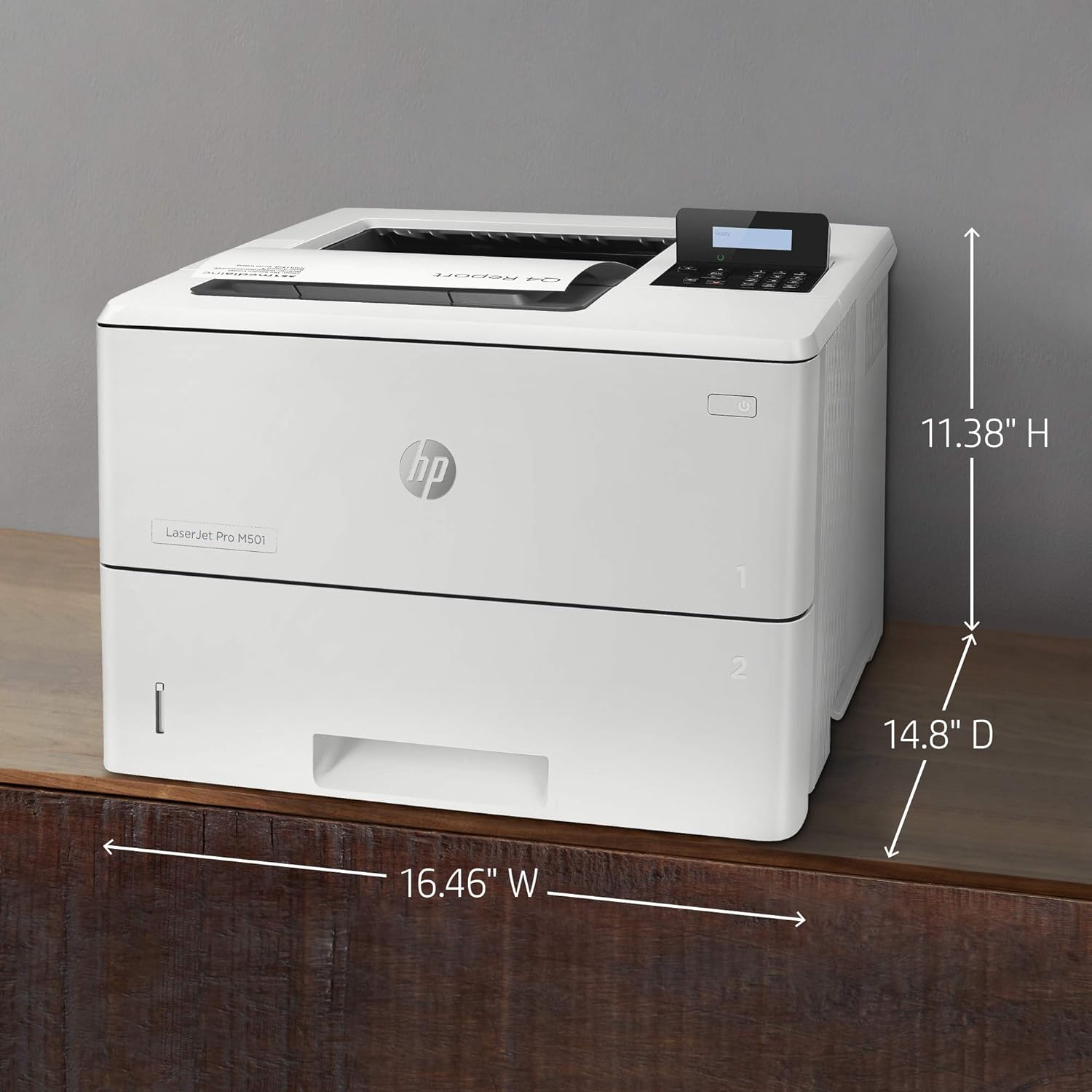
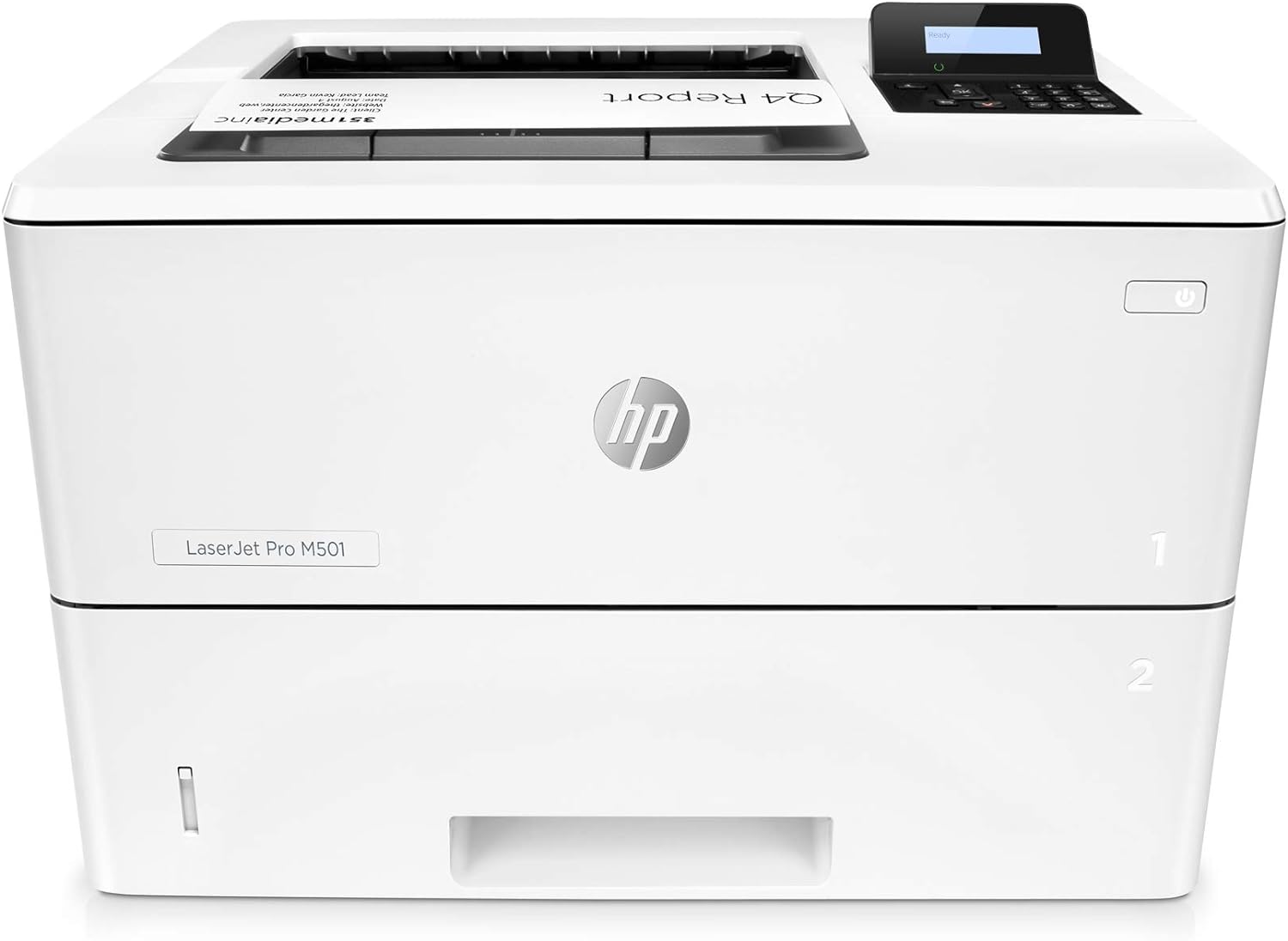
The HP LaserJet Pro M501dn features a compact yet robust design that is built for efficiency. Its sturdy construction ensures durability even under heavy use, making it a reliable choice for high-volume office environments. The printer’s compact size allows it to fit into tight spaces, while its clean design simplifies access to the paper tray and toner compartment.
Performance:
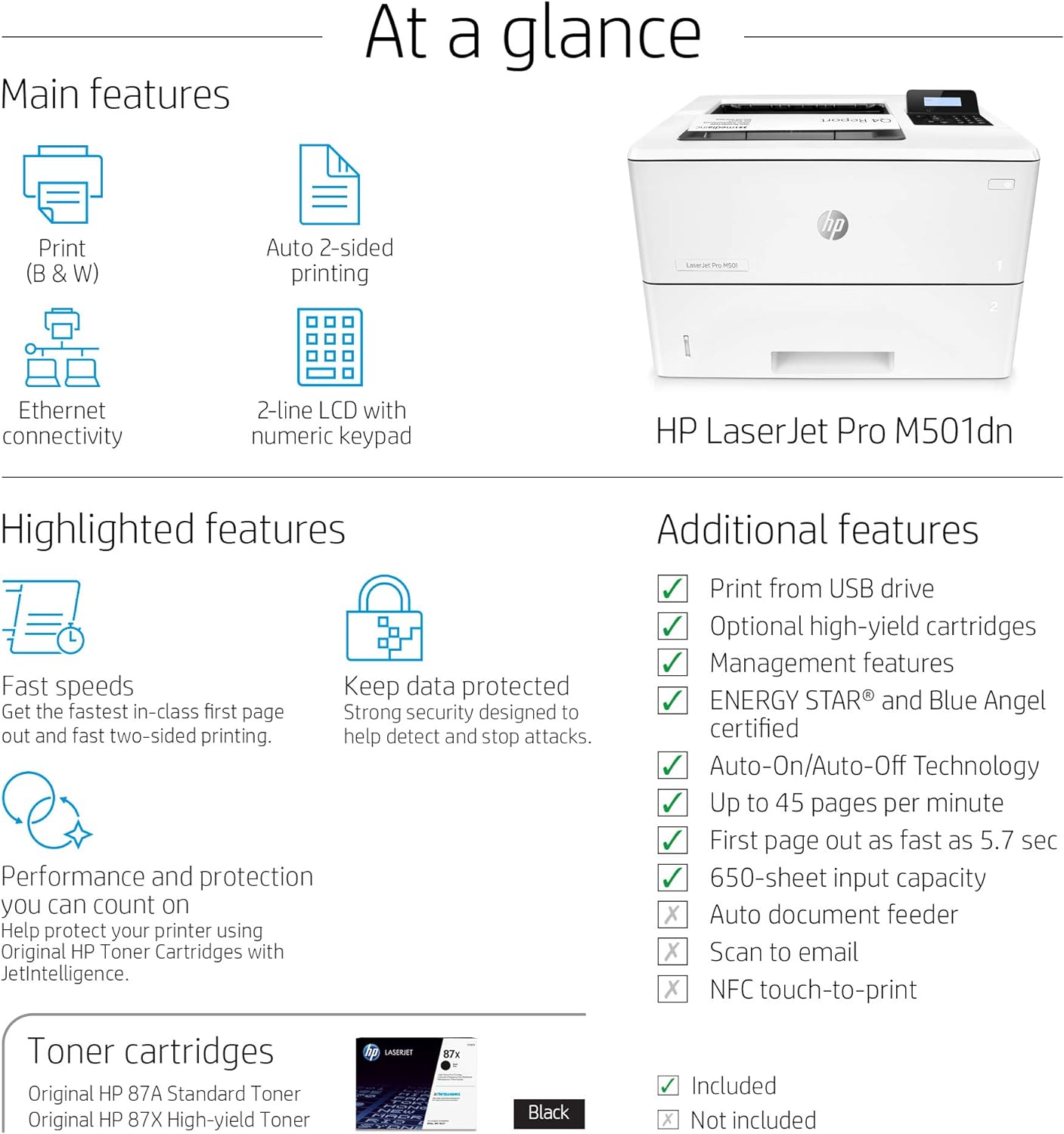
Designed for speed, the M501dn delivers up to 45 pages per minute, making it one of the fastest monochrome printers in its class. It’s perfect for offices that need quick, high-volume document printing. With a quick first page out time, there’s minimal waiting for your print jobs to start. The automatic duplex printing further enhances productivity by enabling double-sided printing, saving both time and paper.
Print Quality:
The M501dn produces sharp, clear text and high-quality graphics, ensuring professional-looking documents every time. Its 1200 x 1200 dpi resolution guarantees that even the smallest fonts are crisp, and images come out with precise detail. This makes it suitable not only for standard office documents but also for presentations and reports where clarity is crucial.
Connectivity and Features:
This printer is equipped with various connectivity options, including Ethernet, USB, and support for mobile printing via HP ePrint, Apple AirPrint, and Google Cloud Print. While it doesn’t have built-in Wi-Fi, the network options allow seamless integration into most office setups. It also features robust security measures to help protect sensitive information, a key feature for business environments.
Cost Efficiency:
The HP LaserJet Pro M501dn is cost-efficient, thanks to its high-yield toner cartridges that keep the cost per page low. Its energy-saving features help reduce power consumption, making it an environmentally friendly option. The automatic duplex printing also contributes to cost savings by minimizing paper usage, which is ideal for businesses looking to reduce their operating expenses.
User Experience:
With straightforward setup and intuitive controls, the M501dn is user-friendly and easy to manage. The printer’s consistent performance, coupled with its quiet operation, makes it an excellent choice for any office setting. Maintenance tasks, such as replacing toner and clearing paper jams, are simple and can be performed without the need for technical support.
How to Unbox and Install the HP LaserJet Pro M501dn
- Unboxing: Open the packaging and remove the accessories, including the power cable and documentation. Carefully lift the printer out of the box and place it on a sturdy, level surface.
- Removing Packing Materials: Remove all orange shipping tape and protective packaging from the outside of the printer. Open the front door and remove the protective materials from the pre-installed toner cartridge area. Close the door securely.
- Loading Paper: Pull out the paper tray (Tray 2) completely. Slide the paper guides to the edges, load a stack of paper, adjust the guides snugly against the paper, and push the tray back in.
- Power Connection: Connect the power cord to the printer and plug it into an electrical outlet. Press the power button to turn the device on.
- Network Connection: Connect an Ethernet cable from the printer to your router or network switch.
- Basic Configuration: Follow the prompts on the printer's LCD screen to configure the language and basic settings. Wait for the printer to obtain an IP address.
- Driver Installation: On your computer, navigate to the official HP support website to download the latest specific drivers for the HP M501dn. Run the installer, select "Wired Network Connection" when prompted, and follow the on-screen steps.
Conclusion:
Overall, the HP LaserJet Pro M501dn is a high-performance monochrome printer designed for speed and efficiency. It’s ideal for businesses that need reliable, fast, and high-quality document printing. With its robust features, cost efficiency, and excellent print quality, the M501dn stands out as a dependable choice for high-volume office environments.